
How a session works
A session has five steps. Your client does real work, and you get a report you can act on.
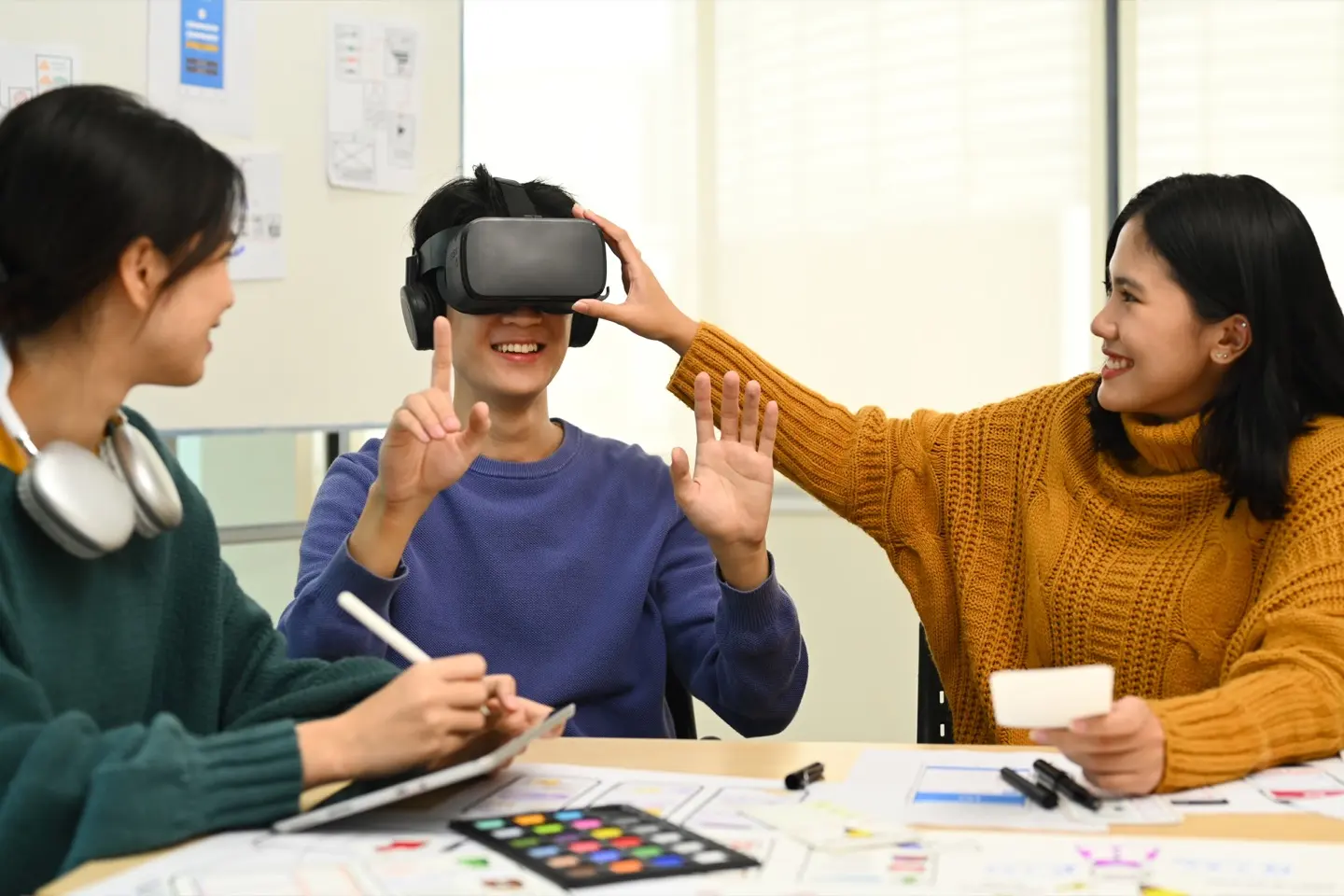
The five steps of a session
-
Step 1. Your client does the work
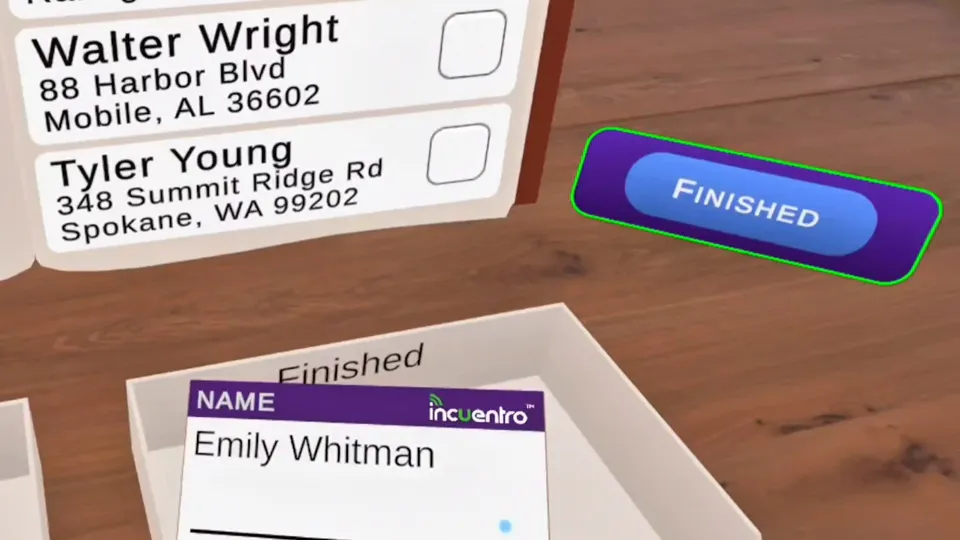
They step into a virtual office and do realistic job tasks, like entering records into a form, matching name badges to an address list and filing.
-
Step 2. A guide checks in
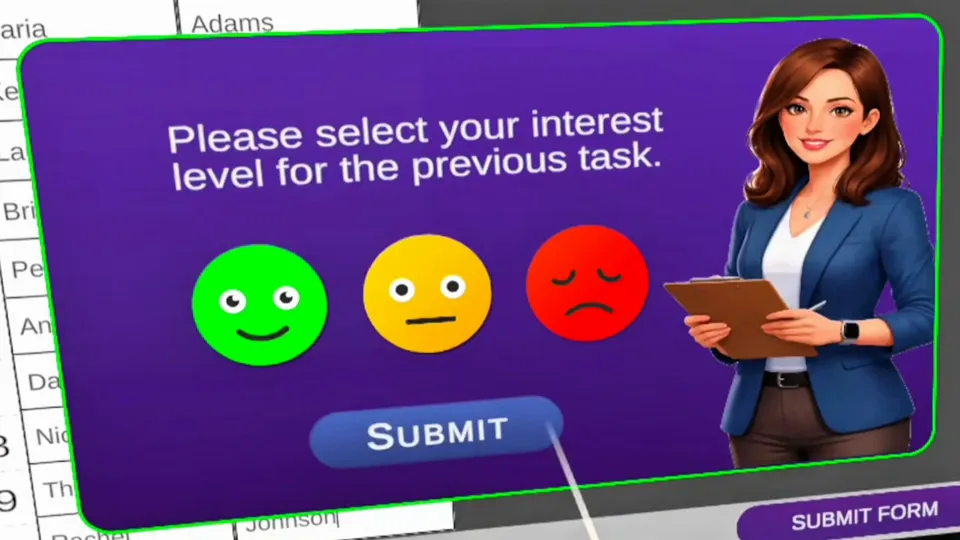
Between tasks, a friendly guide asks what they enjoyed, so their interests count too.
-
Step 3. What they do is measured
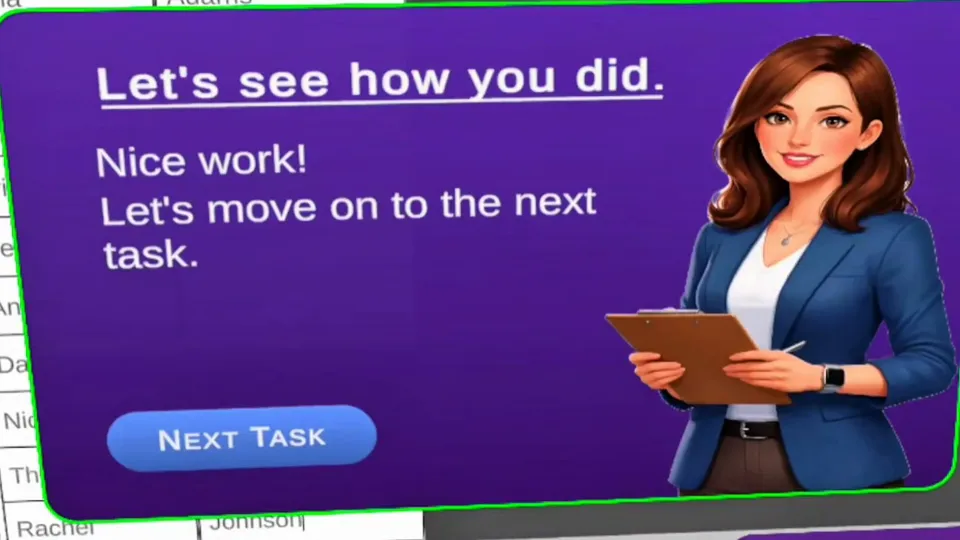
What they do during each task becomes behavioral data, and that data is scored.
-
Step 4. Results are matched to real occupations
You can see which jobs are worth exploring, and you can trace every suggestion back to what your client did.
Occupations to discuss
Jordan R.
Sample
Occupations to discuss, sample data Occupation Fit Stockers and Order Fillers Strong Pharmacy Aides Strong Library Assistants, Clerical Good Sample data. The client and results are invented. -
Step 5. You go over the report together
The report is ready in your dashboard: a counselor report for you, and a plain-language report for your client.
What the reports include
Works on iPad and in VR
Clients can take AVRAS on an iPad or in a VR headset, so your program can run it on whichever devices you have.
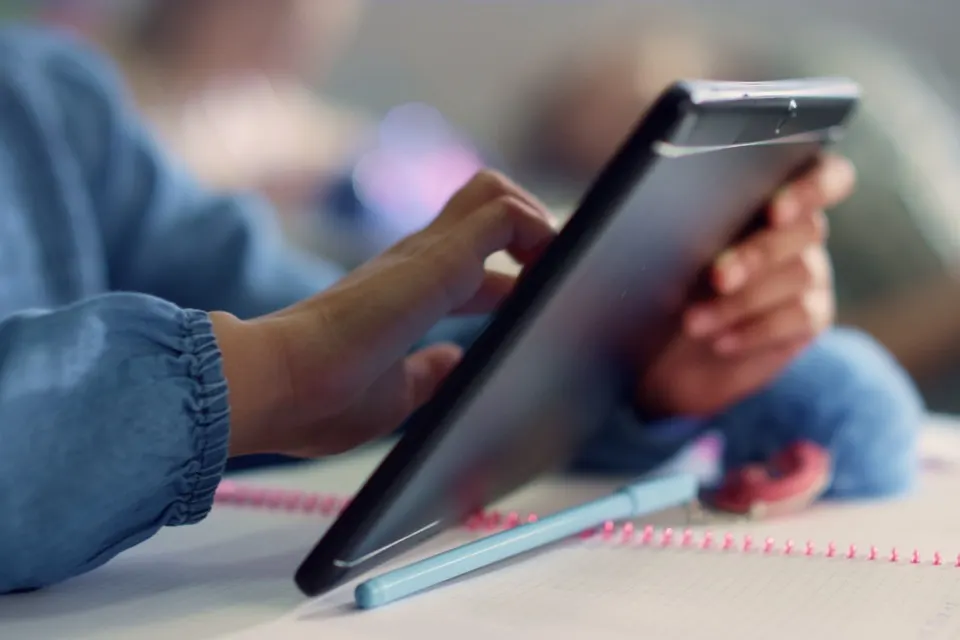
iPad
Clients complete the full assessment on the iPad, with the guide checking in along the way.
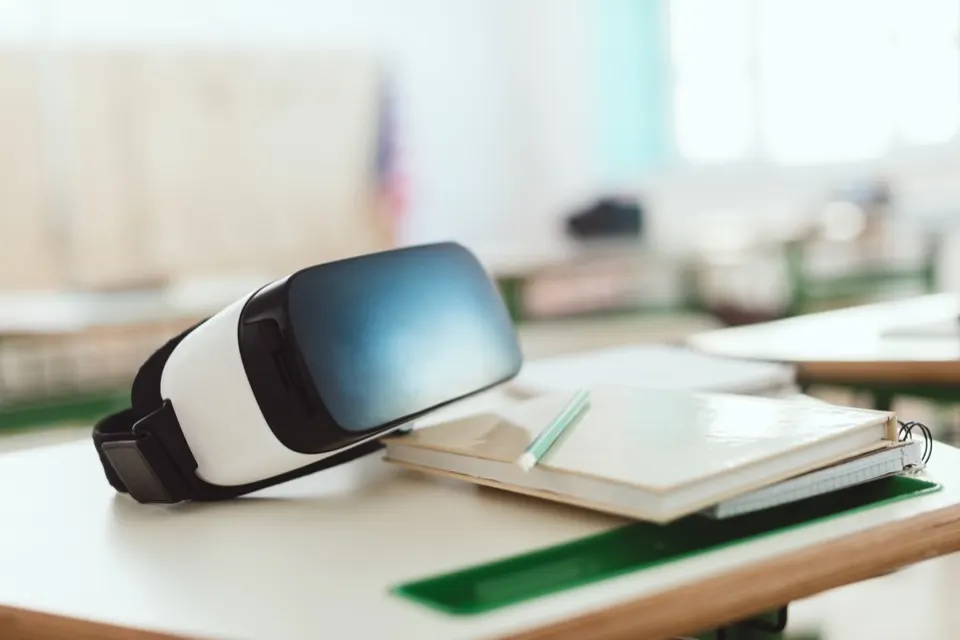
VR headset
In a headset, clients step into the activities, and the mechanical and spatial reasoning tasks become hands-on in 3D.
Our approach
Built for Accessibility. Designed for Everyone.
AVRAS was developed with the unique needs of autistic individuals and people with other disabilities in mind, but its thoughtful design makes assessment easier for everyone.
By reducing unnecessary barriers, accommodating different ways of interacting, and creating a predictable experience, AVRAS gives individuals more opportunities to demonstrate what they can do.
Predictable by Design
Fewer distractions. More focus.
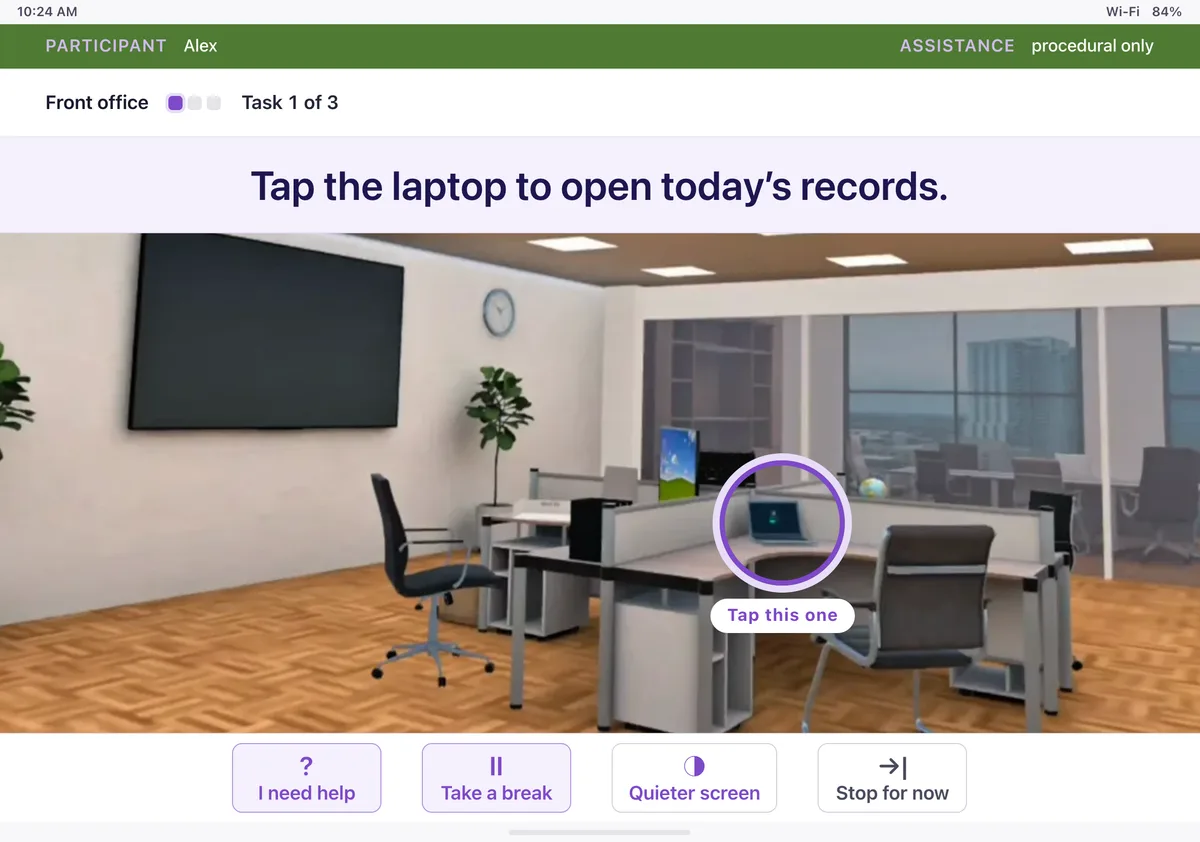
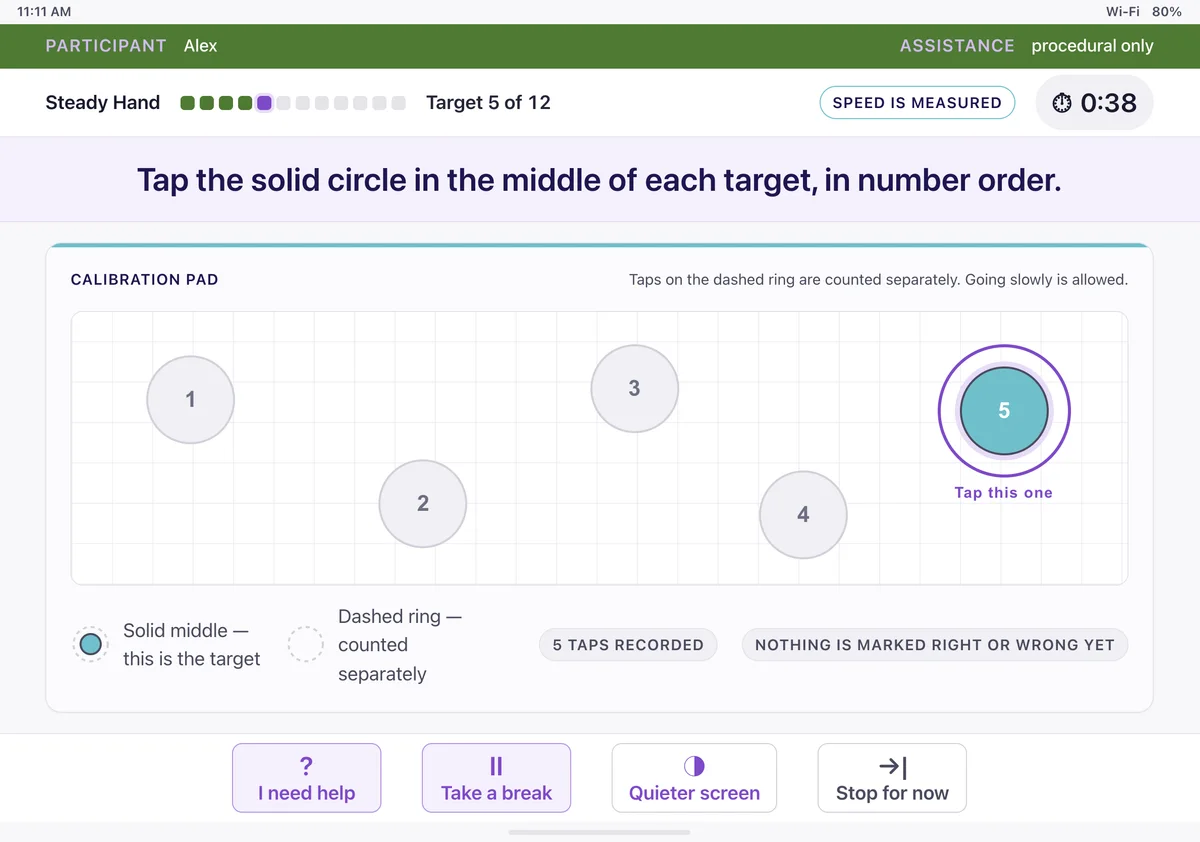
Clear, consistent screens help reduce uncertainty and sensory overload. No flashing elements, unexpected animations, or sudden changes that can interfere with performance.
Progress Without Pressure
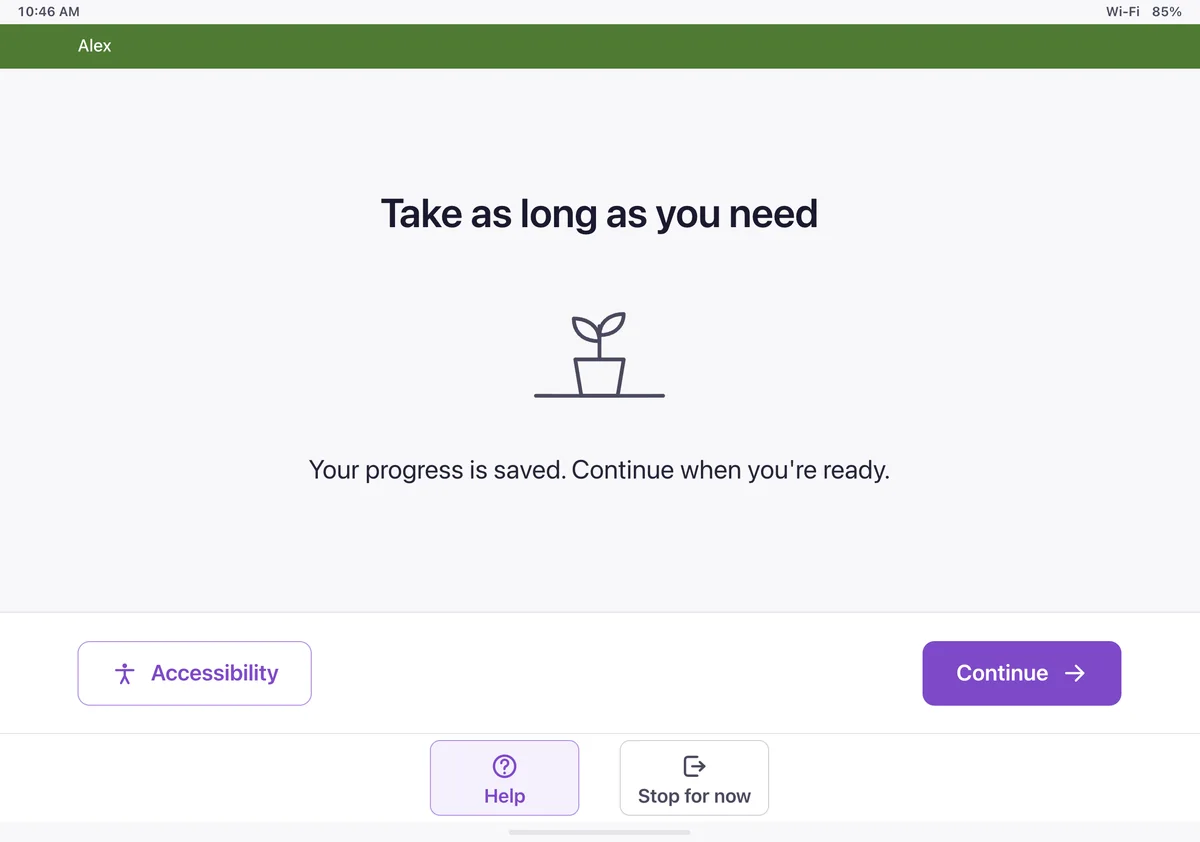
Work at your own pace.
Timers count up instead of down, reducing time-related anxiety and allowing individuals to focus on completing tasks rather than watching a countdown.
Flexible Ways to Interact
Different abilities. Equal opportunity.
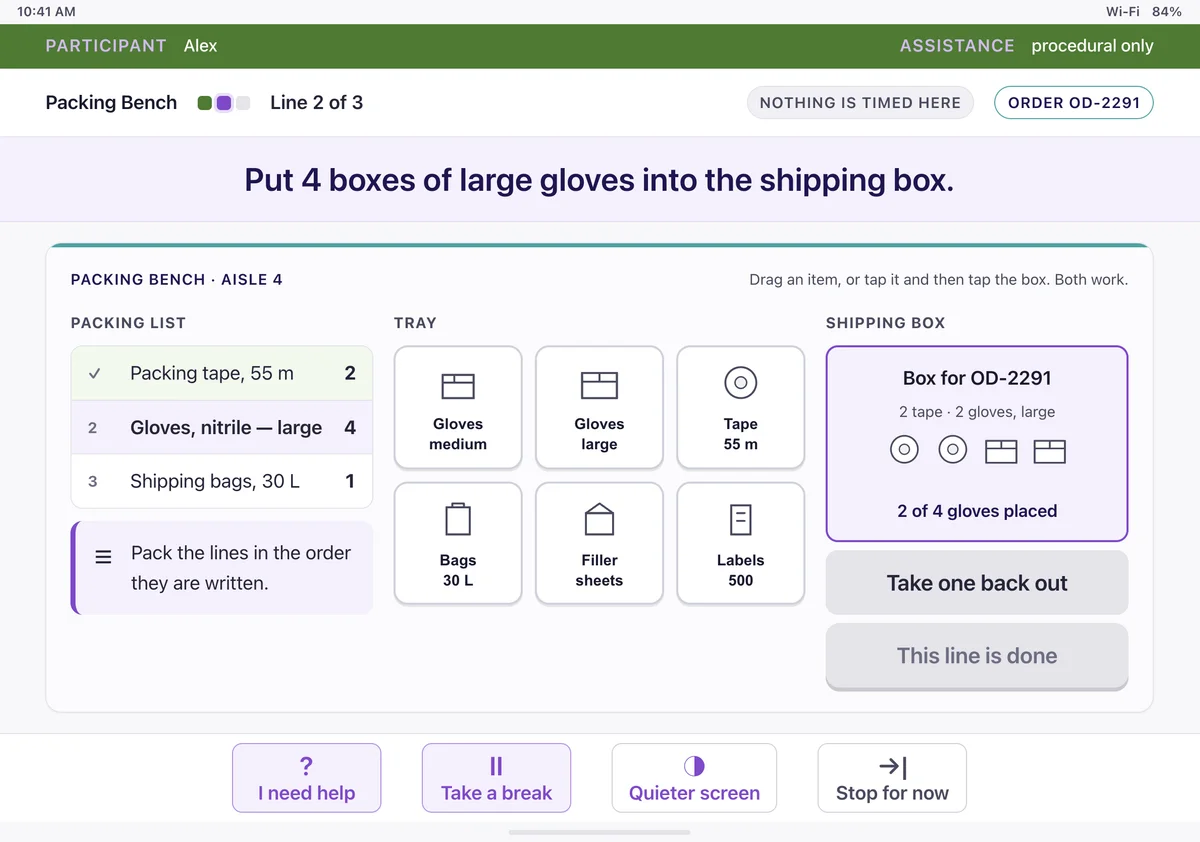
Large buttons and alternative ways to interact, including tapping instead of swiping, accommodate different motor abilities and individual preferences.
Less Reliance on Language
Show what you can do, not just what you can say.
Most assessment tasks minimize reading and verbal communication demands, allowing individuals with different language and communication abilities to demonstrate their skills through performance.
Designed with disability in mind. Built to reveal potential in everyone.
Where to go next
Talk to us
See AVRAS with your team
We’ll show you a live session and a sample report, and answer your questions about seats and setup.