One dashboard. From assessment to action.
Everything you need to administer AVRAS, monitor performance, and turn assessment results into meaningful career decisions, all in one place.
Set up, guide and review
-
Set up
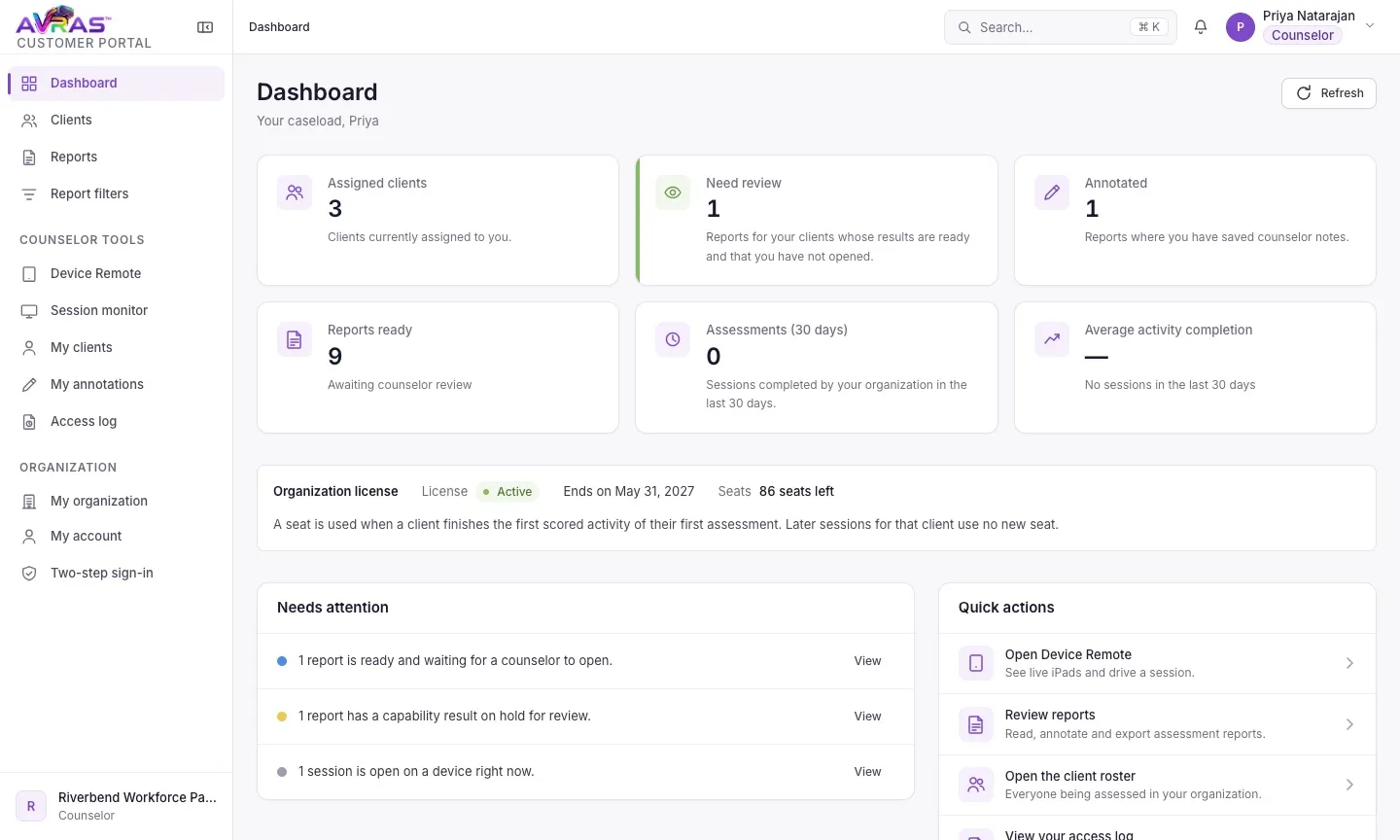
Simple assessment management
Organize participants, prepare assessments, and manage the evaluation process from a centralized dashboard.
-
Guide
Real-time assessment control
Administer and manage assessments while working directly with the individual, keeping the evaluator involved throughout the experience.
-
Review
Evidence that drives decisions
Access detailed performance results and two complementary reports that translate demonstrated capabilities into actionable career insights.
The AVRAS dashboard in action
From preparing a participant’s assessment, to guiding it live, to opening the reports.
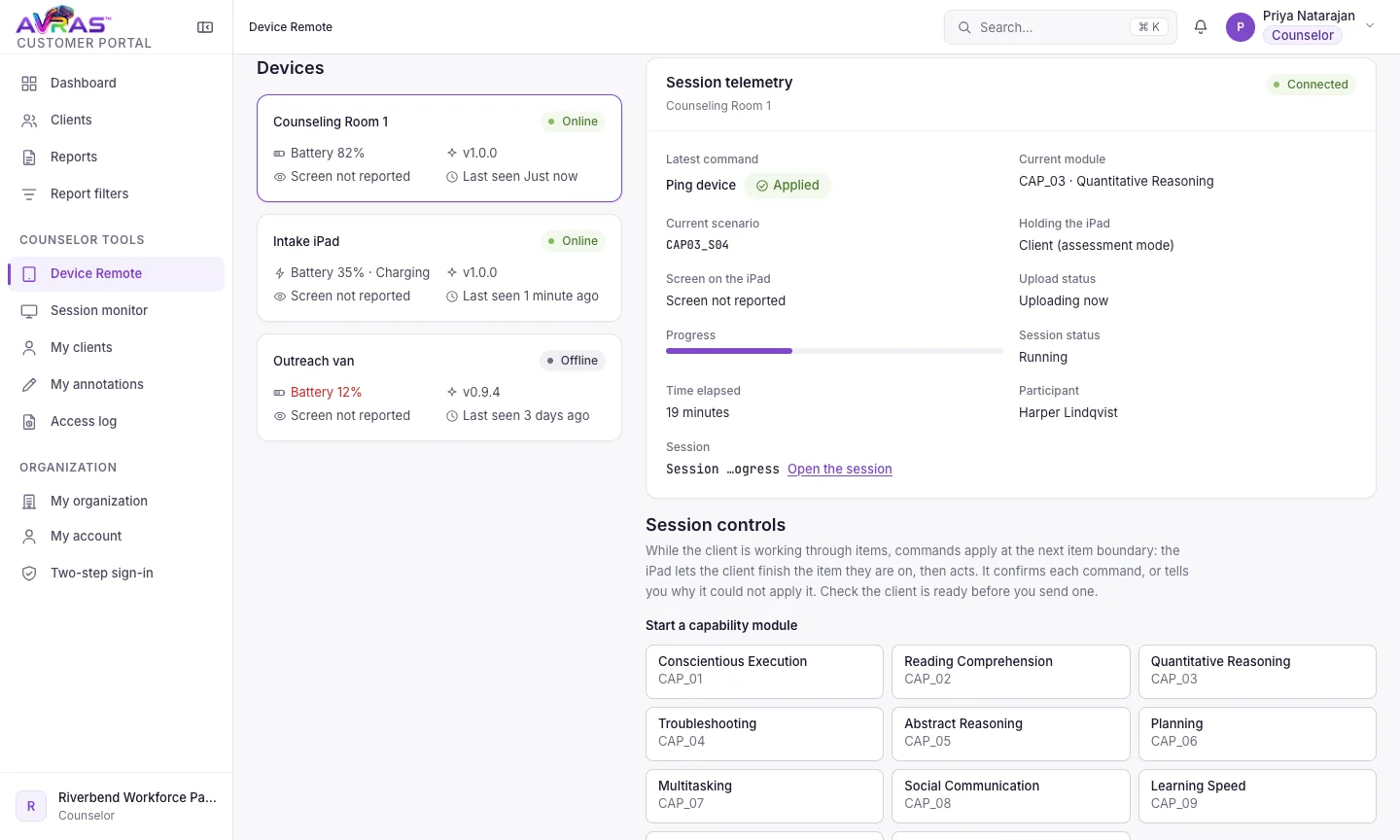
An evaluator sets a participant’s readiness and education levels, pauses the live assessment from the Device Remote while the participant works through tasks, then opens the counselor report and the participant report.
Your data stays yours
You own the assessment data, and your access log shows every time a report is opened, annotated or exported.
Each organization’s data is kept separate from every other organization’s.
Where to go next
Talk to us
See AVRAS with your team
We’ll show you a live session and a sample report, and answer your questions about seats and setup.